How to Export Airbnb Listing Data (Prices, Ratings, Amenities)
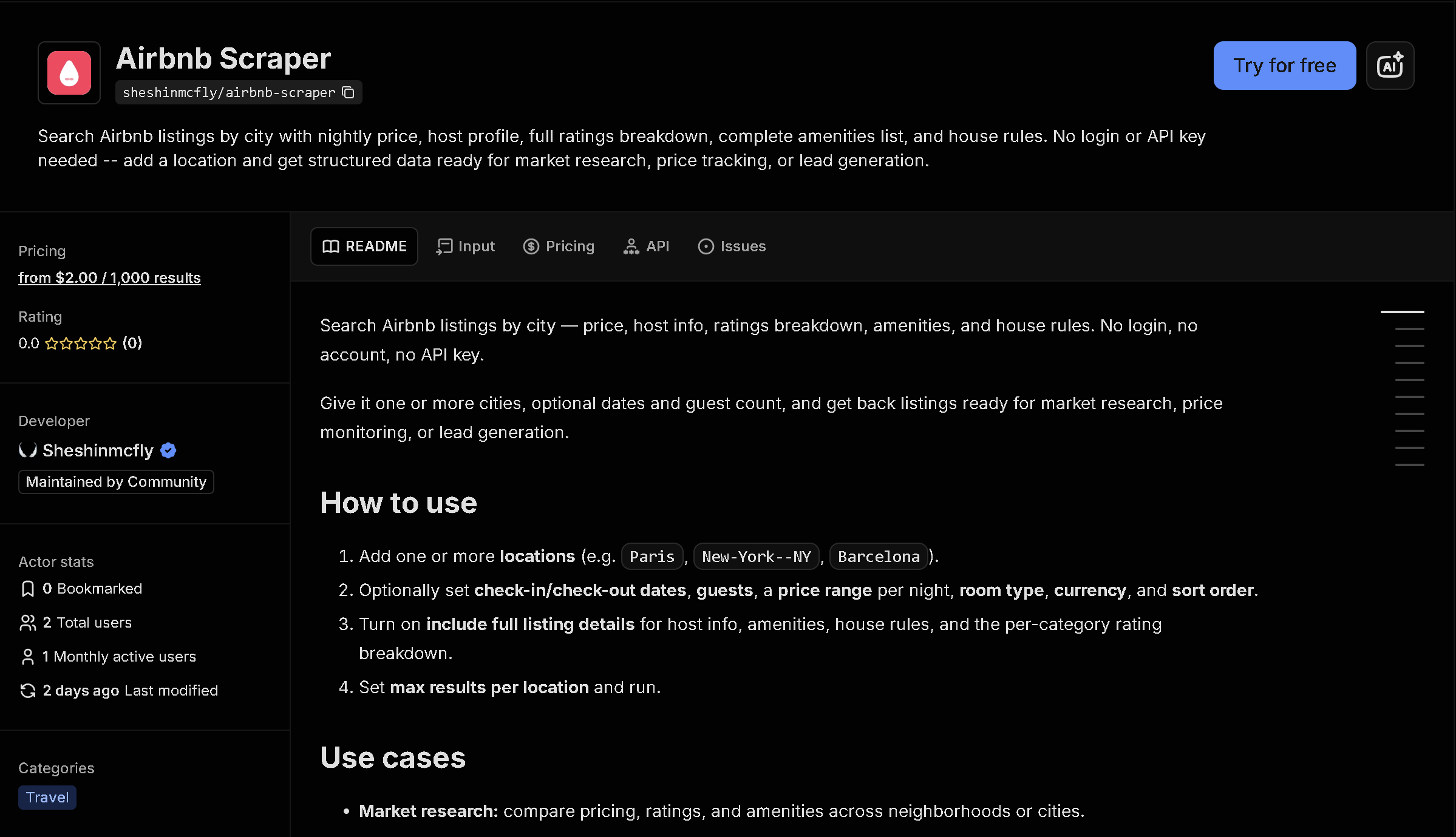
Airbnb doesn't offer a public way to download listing data for a city or neighborhood. If you need pricing, ratings, and amenities across many listings for market research, competitor tracking, or investment analysis, this tool exports it as structured data you can open in Excel, Google Sheets, or your own database.
In short: Manually copying data from Airbnb search results doesn't scale past a handful of listings, and prices/availability change constantly. This tool automates it — you get structured, ready-to-use data instead of copying it by hand.
What the data shows: In this sample of 10 Barcelona listings, all carry the "Guest favorite" badge, with an average rating of 4.90 and an average total price of about $1,784 for a 4-night stay — useful context if you are benchmarking a market or a specific property against local competition.
Sample data
| Listing | Price | For | Rating | Reviews |
|---|---|---|---|---|
| Apartment in Gracia | $1,689 | for 4 nights | 4.91 | 94 |
| Apartment in Eixample | $1,522 | for 4 nights | 4.87 | 2029 |
| Apartment in Eixample | $1,452 | for 4 nights | 4.87 | 398 |
| Apartment in Eixample | $2,343 | for 4 nights | 4.98 | 65 |
| Apartment in Eixample | $2,097 | for 4 nights | 4.94 | 81 |
| Apartment in Eixample | $1,277 | for 4 nights | 4.89 | 18 |
| Apartment in Eixample | $2,008 | for 4 nights | 4.82 | 450 |
| Apartment in Eixample | $1,610 | for 4 nights | 4.83 | 224 |
| Apartment in Eixample | $1,934 | for 4 nights | 4.85 | 523 |
| Apartment in Barcelona | $1,907 | for 4 nights | 5.0 | 11 |
What each field means
| Field | Description |
|---|---|
title | Listing title as shown on Airbnb |
price | Total price for the searched date range |
rating | Average guest rating (0-5) |
reviewCount | Number of reviews |
details | Bedrooms, beds, and bathrooms |
badges | Airbnb badges such as "Guest favorite" |
hostName, hostRating, amenities, houseRules... | Available when full listing details are requested — see the actor's output example for the complete field list |
How to use it
- Open the tool on Apify (link below).
- Fill in the search form — no code required.
- Run it and wait for it to finish (usually seconds).
- Download your results as JSON, CSV, or Excel.
Frequently asked questions
Do I need to know how to code?
No. You fill in a form (location, dates, how many results) and download the results as JSON, CSV, or Excel.
Is this real-time data?
Yes, every run fetches current listings and pricing directly from Airbnb at the time you run it.
Can I search any city?
Yes, any location Airbnb covers worldwide.