How to Export Threads Posts by Profile, Keyword, or Post URL
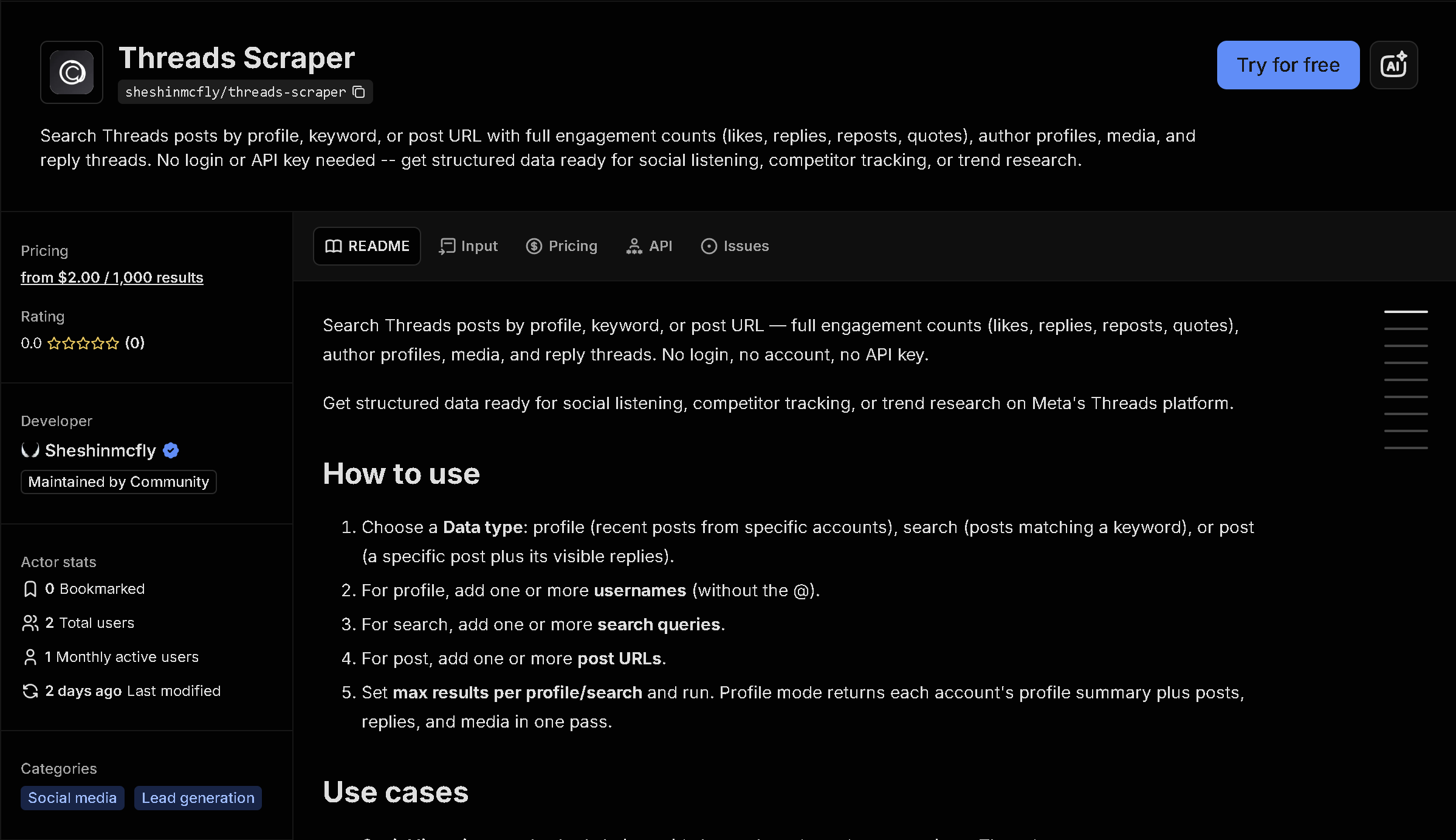
Threads doesn't offer a public API or bulk export — just an app and web feed meant for scrolling. This tool reads public Threads posts by profile, keyword search, or a specific post URL (plus its visible replies), and returns them as structured data: text, engagement counts, media, and author info, with no login required.
In short: Manually scrolling a Threads profile or search and copying posts doesn't scale for social listening or tracking an account's activity. This tool automates it — you get structured, ready-to-use data instead of copying it by hand.
What the data shows: In this sample of 10 posts pulled from 3 brand accounts in a single run (Kim Kardashian, Netflix US, NASA), engagement ranges from a few dozen to over 22,000 likes on one post — the kind of side-by-side account comparison that means scrolling each profile separately otherwise.
Sample data
| Account | Post | Likes | Replies | Reposts |
|---|---|---|---|---|
| @kimkardashian | 👽👾 | 16,856 | 1,406 | 430 |
| @netflix | One of the most shocking Ultimatum ... | 52 | 5 | 2 |
| @nasa | Anil Menon launches soon for his fi... | 547 | 11 | 24 |
| @kimkardashian | skkn studios | 10,262 | 678 | 216 |
| @netflix | 12 HOURS UNTIL HEARTSTOPPER FOREVER | 1,576 | 13 | 73 |
| @nasa | Our Artemis II astronauts have thei... | 2,300 | 71 | 131 |
| @kimkardashian | best in show. | 22,087 | 1,122 | 525 |
| @netflix | Sophie Nélisse is set to star as Lu... | 706 | 10 | 21 |
| @nasa | Have a stellar Fourth of July, Thri... | 4,148 | 74 | 226 |
| @kimkardashian | Keep your friends close and your Li... | 6,815 | 644 | 172 |
What each field means
| Field | Description |
|---|---|
text, mediaType, mediaUrls | Post text and any attached media |
likeCount, replyCount, repostCount, quoteCount | Engagement metrics |
authorUsername, authorFullName, authorIsVerified | Who posted it |
createdAt, url, isReply | When it was posted, direct link, and whether it's a reply |
Profile mode | Also returns a profile summary record: follower count, bio, verification status |
Post mode | Fetch a specific post plus its visible replies as a thread |
How to use it
- Open the tool on Apify (link below).
- Fill in the search form — no code required.
- Run it and wait for it to finish (usually seconds).
- Download your results as JSON, CSV, or Excel.
Frequently asked questions
Do I need to know how to code?
No. You enter usernames, a search keyword, or post URLs, then download the results as JSON, CSV, or Excel.
Is this real-time data?
Yes, every run fetches current posts directly from Threads at the time you run it.
Do I need a Threads account?
No. This reads publicly available posts and does not require logging in.