How to Export Google Maps Business Listings (Ratings, Address, Contact Info)
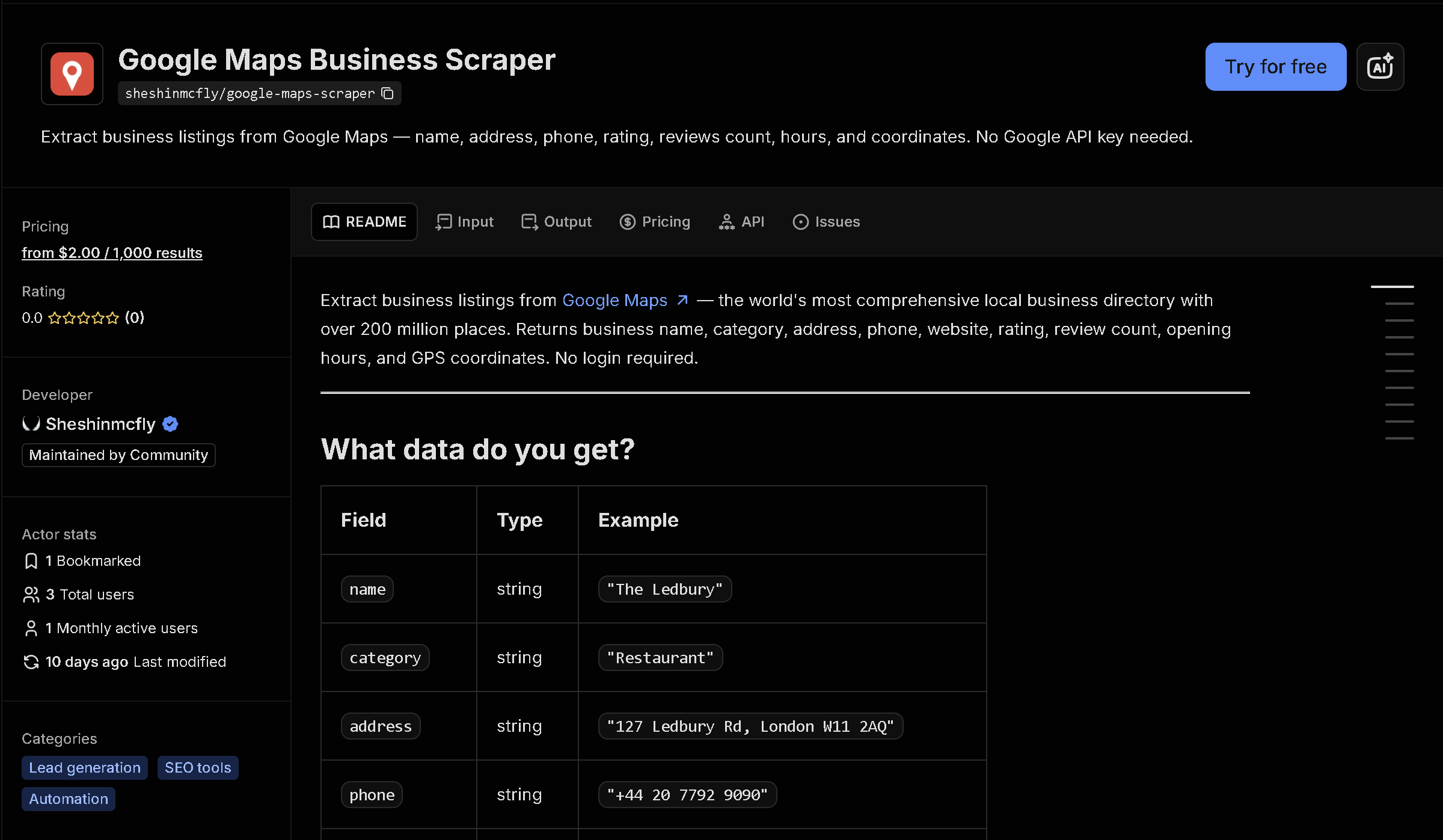
Google Maps is the most complete directory of local businesses, but there is no bulk export — just an interactive map meant for one search at a time. This tool searches any query (e.g. "coffee shops in Seattle") and returns every matching business as structured data: name, category, address, phone, website, rating, and review count.
In short: Manually clicking through Google Maps results and copying business details doesn't scale for building a lead list or doing local market research. This tool automates it — you get structured, ready-to-use data instead of copying it by hand.
What the data shows: In this sample of 9 coffee shops in Seattle, the average rating was 4.73 out of 5 — the kind of local-market benchmark that's tedious to calculate by hand but immediate once the listings are structured data.
Sample data
| Business | Category | Address | Rating | Reviews |
|---|---|---|---|---|
| Storyville Coffee Pike Place | Coffee shop | 94 Pike St Top floor Suite 34, Seattle, WA 98101 | 4.6 | 3115 |
| Coffee TAB | Coffee shop | 211 Lenora St Suit A, Seattle, WA 98121 | 4.7 | 596 |
| Piedmont Café | Coffee shop | 1215 Seneca St Ste 100, Seattle, WA 98101 | 4.8 | 288 |
| Overcast Coffee | Coffee shop | 1517 12th Ave Ste 100, Seattle, WA 98122 | 4.7 | 297 |
| Mintish Coffee House | Coffee shop | 515 Harvard Ave E #121, Seattle, WA 98102 | 5 | 1130 |
| Slow Day Coffee | Coffee shop | 2103 3rd Ave, Seattle, WA 98121 | 4.7 | 151 |
| Drip Drip coffeehouse | Coffee shop | 355 15th Ave, Seattle, WA 98122 | 4.5 | 333 |
| gloom coffee | Coffee roastery | 240 2nd Ave S #103, Seattle, WA 98104 | 4.9 | 64 |
| Analog Coffee | Coffee shop | 235 Summit Ave E, Seattle, WA 98102 | 4.7 | 1123 |
What each field means
| Field | Description |
|---|---|
name, category | Business name and its Google Maps category |
address, latitude, longitude | Full address and coordinates |
phone, website | Contact info as listed on the business's Google profile |
rating, reviewCount | Average rating and number of reviews |
hours | Opening hours, when available |
placeId, url | Google's internal place ID and a direct link to the listing |
How to use it
- Open the tool on Apify (link below).
- Fill in the search form — no code required.
- Run it and wait for it to finish (usually seconds).
- Download your results as JSON, CSV, or Excel.
Frequently asked questions
Do I need to know how to code?
No. You enter a search query like "restaurants in London" and download the results as JSON, CSV, or Excel.
Is this real-time data?
Yes, every run fetches current listings directly from Google Maps at the time you run it.
Can I search in other languages?
Yes, you can set a language code to get results in a specific language.