How to Export Cost of Living Data by City (Rent, Food, Transport)
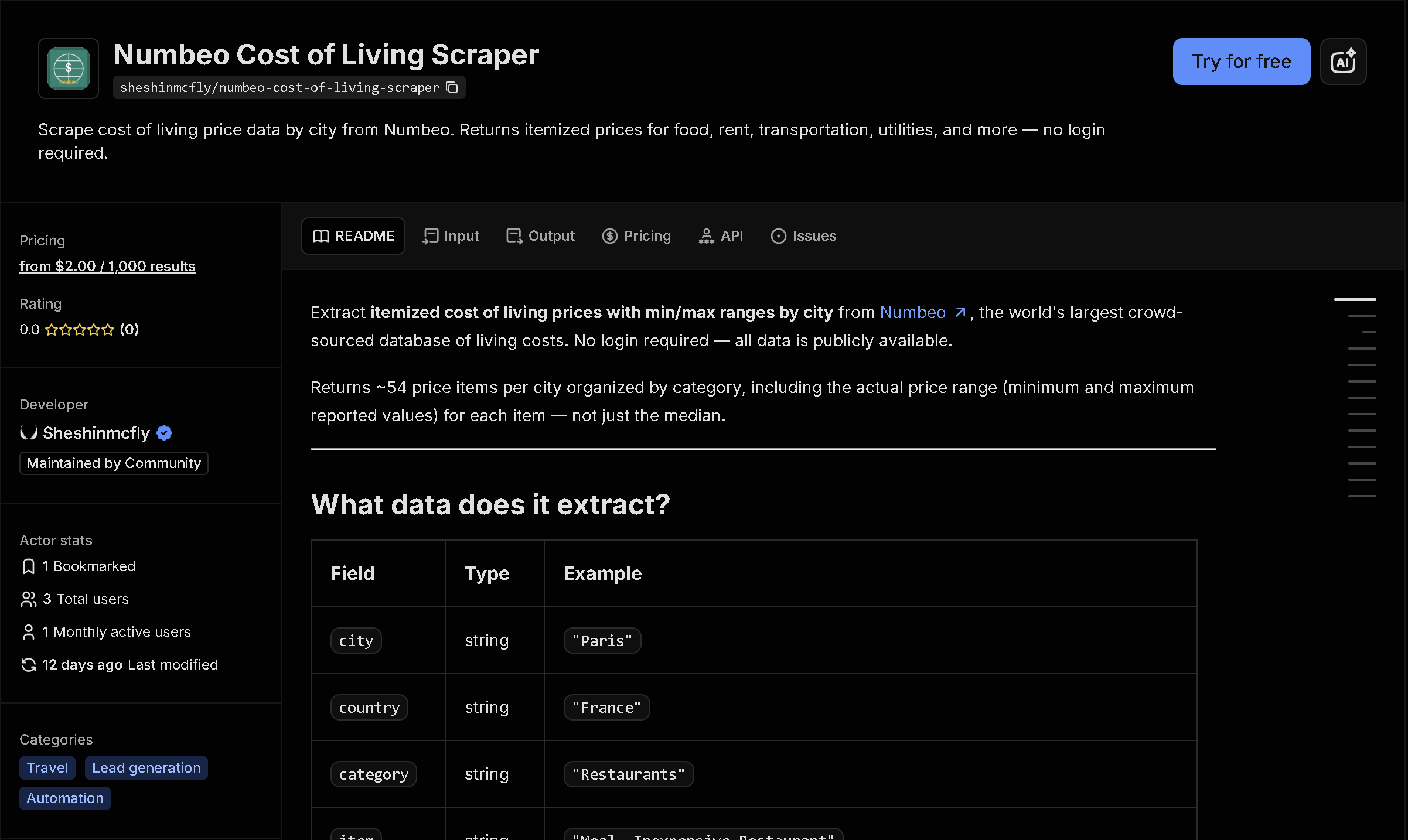
Numbeo tracks cost-of-living prices for hundreds of cities worldwide — restaurant meals, groceries, rent, transit, utilities — but comparing multiple cities side by side means opening a separate page for each one. This tool fetches the full price breakdown for any list of cities in one run, ready to compare in a spreadsheet.
In short: Manually comparing costs across cities means opening dozens of Numbeo pages and copying numbers by hand, one city at a time. This tool automates it — you get structured, ready-to-use data instead of copying it by hand.
What the data shows: A meal at an inexpensive restaurant costs $15 in New York versus $4.93 in Tokyo in this sample — the kind of side-by-side comparison that takes seconds with structured data but requires opening multiple pages by hand otherwise.
Sample data
| City | Item | Price |
|---|---|---|
| New York | Meal at an Inexpensive Restaurant | $15 USD |
| New York | Meal for Two at a Mid-Range Restaur... | $80 USD |
| London | Meal at an Inexpensive Restaurant | $18.87 USD |
| London | Meal for Two at a Mid-Range Restaur... | $80.86 USD |
| Tokyo | Meal at an Inexpensive Restaurant | $4.93 USD |
| Tokyo | Meal for Two at a Mid-Range Restaur... | $30.79 USD |
| Santiago | Meal at an Inexpensive Restaurant | $6.48 USD |
| Santiago | Meal for Two at a Mid-Range Restaur... | $43.23 USD |
What each field means
| Field | Description |
|---|---|
city, country | City and country the price applies to |
category | Numbeo category: restaurants, markets, transportation, utilities, rent, salaries, and more |
item | Specific priced item, e.g. 'Meal at an Inexpensive Restaurant' or 'Apartment (1 bedroom) in City Centre' |
price, priceMin, priceMax, currency | Average price and the low-high range Numbeo tracks, in your chosen currency |
How to use it
- Open the tool on Apify (link below).
- Fill in the search form — no code required.
- Run it and wait for it to finish (usually seconds).
- Download your results as JSON, CSV, or Excel.
Frequently asked questions
Do I need to know how to code?
No. You list city names and pick a display currency, then download the results as JSON, CSV, or Excel.
Is this real-time data?
Yes, every run fetches current prices directly from Numbeo at the time you run it.
How many items per city does it return?
The full Numbeo cost-of-living breakdown for each city — around 50 individual price items covering food, transport, utilities, and rent.