How to Export LinkedIn Job Listings (Title, Seniority, Industry, Description)
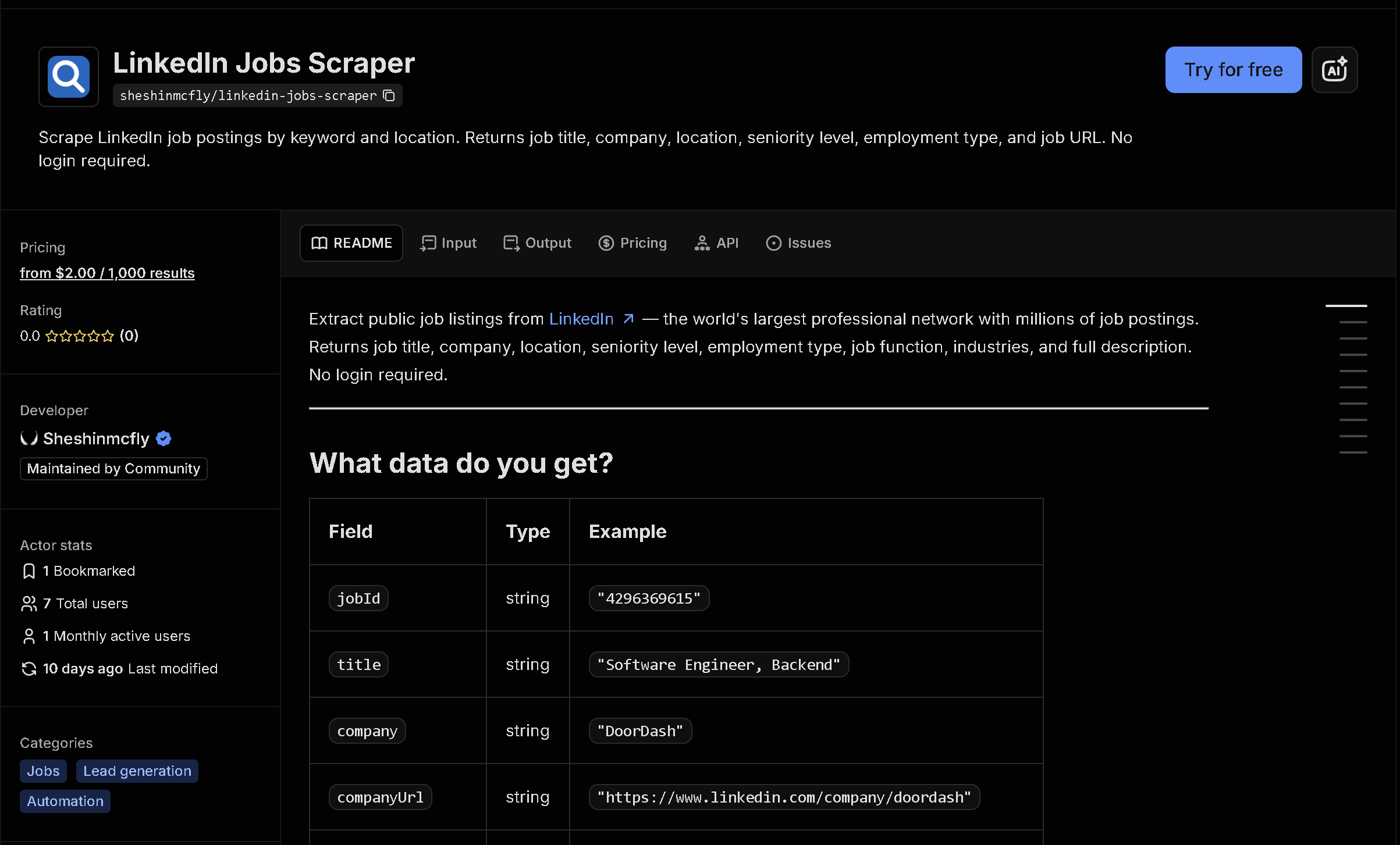
LinkedIn is where most white-collar hiring happens, but its job search has no bulk export — just a paginated list meant for browsing. This tool searches public LinkedIn job listings by keyword and location and returns title, company, seniority level, industry, full description, and posting date as structured data, with no login required.
In short: Manually reading through LinkedIn job search results and copying listings doesn't scale for market research, recruiting pipelines, or tracking a company's hiring activity. This tool automates it — you get structured, ready-to-use data instead of copying it by hand.
What the data shows: In this sample of 10 "software engineer" listings in London, seniority levels span 3 distinct tiers (Entry level, Associate, Mid-Senior level) — a hiring-mix signal that's invisible scrolling one listing at a time but obvious once the data is structured.
Sample data
| Role | Company | Location | Seniority | Posted |
|---|---|---|---|---|
| Graduate/Junior Software Engineer - Bac... | targetjobs UK | London, England, United Kingdom | Entry level | 1 day ago |
| Software Engineer, General | aion | London, England, United Kingdom | Associate | 2 days ago |
| Full Stack Software Engineer B2B | UNiDAYS | London, England, United Kingdom | Entry level | 8 months ago |
| Software Engineer, New Grad | Deliveroo | London, England, United Kingdom | Entry level | 5 days ago |
| Graduate Software Engineer | Amodo Design | London, England, United Kingdom | Entry level | 2 months ago |
| Graduate Software Engineer | targetjobs UK | London, England, United Kingdom | Entry level | 1 month ago |
| Software Engineer - (Full-stack Javascr... | Perlego | London, England, United Kingdom | Entry level | 15 hours ago |
| Junior Full Stack Software Engineer | Informed Solutions | London, England, United Kingdom | Entry level | 1 month ago |
| Software Development Engineer | Menza | London, England, United Kingdom | Entry level | 11 months ago |
| Software Engineer, Backend | DoorDash | London, England, United Kingdom | Mid-Senior level | 10 months ago |
What each field means
| Field | Description |
|---|---|
title, company, companyUrl | Job title and hiring company, with a link to its LinkedIn page |
location | Job location as listed |
seniorityLevel, employmentType | Seniority tier (entry, mid, senior...) and employment type (full-time, contract...) |
jobFunction, industries | LinkedIn's job function and industry classification |
description | Full job description text |
postedAt, url | Relative posting time and a direct link to the listing |
How to use it
- Open the tool on Apify (link below).
- Fill in the search form — no code required.
- Run it and wait for it to finish (usually seconds).
- Download your results as JSON, CSV, or Excel.
Frequently asked questions
Do I need to know how to code?
No. You enter keywords and a location, then download the results as JSON, CSV, or Excel.
Is this real-time data?
Yes, every run fetches current listings directly from LinkedIn at the time you run it.
Do I need a LinkedIn account?
No. This reads publicly available job listings and does not require logging in.