How to Export Substack Newsletter Posts and Engagement Data
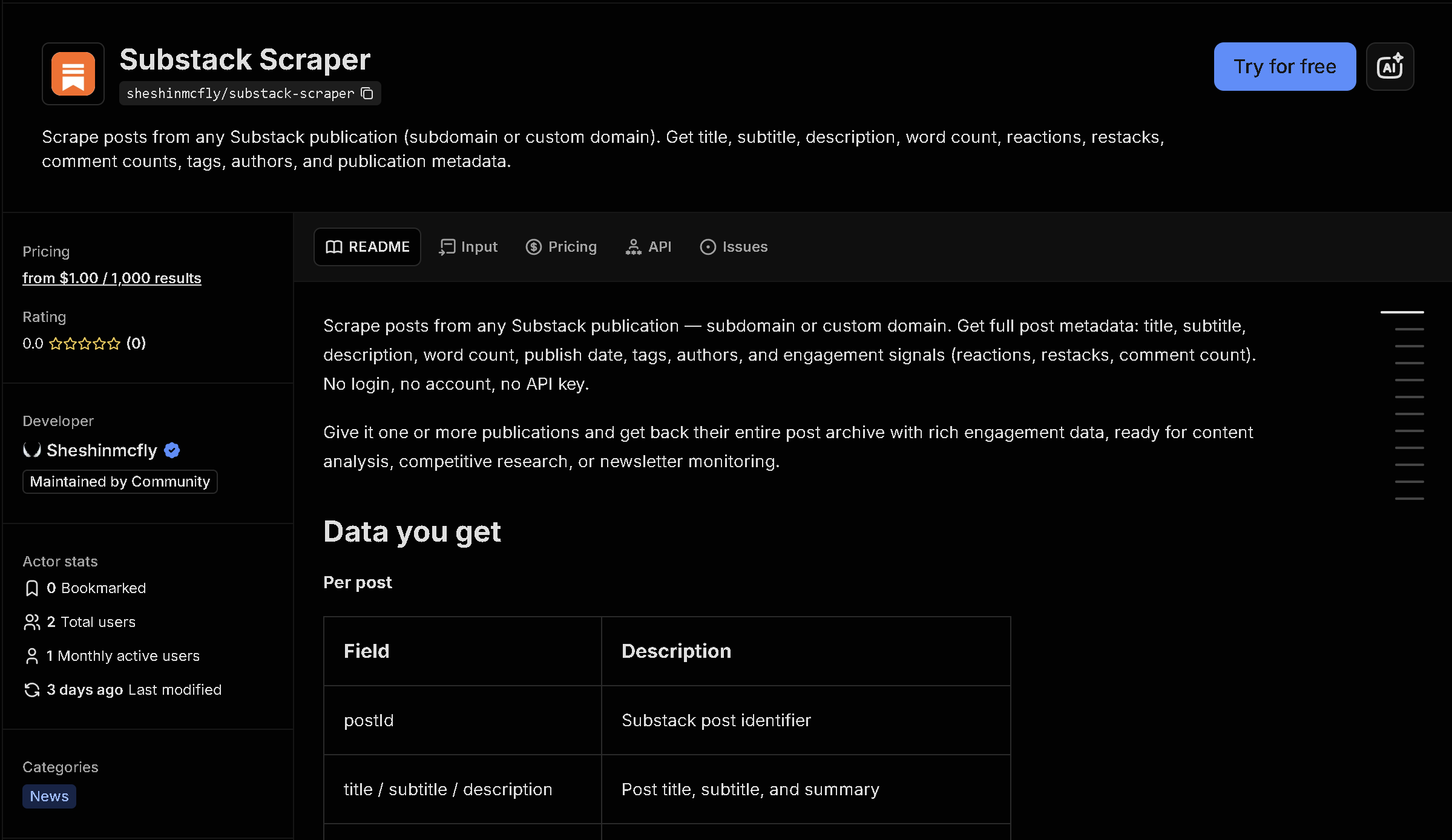
Substack publications don't offer a bulk export of their post archive — just an infinite-scroll page meant for reading one issue at a time. This tool pulls a publication's posts (newest, top, or pinned), along with engagement metrics, authors, word count, and optionally the full HTML content and comments.
In short: Manually scrolling a newsletter's archive and copying post metadata doesn't scale for content research, competitive tracking, or building a reading pipeline. This tool automates it — you get structured, ready-to-use data instead of copying it by hand.
What the data shows: In this sample of the top 10 posts from Platformer, combined they total over 23K words of reporting — the kind of publication-wide content audit that's tedious to compile by hand but immediate once the archive is structured data.
Sample data
| Post | Author(s) | Words | Reactions | Comments |
|---|---|---|---|---|
| Elon Musk fires a top Twitter engineer ov... | Zoë Schiffer, Casey Newton | 2,285 | 251 | 5 |
| Elon closes in | Casey Newton, Zoë Schiffer | 2,638 | 46 | 0 |
| Yes, Elon Musk created a special system f... | Zoë Schiffer, Casey Newton | 1,634 | 247 | 8 |
| The withering email that got an ethical A... | Casey Newton | 1,770 | 40 | 7 |
| 🚨 What really happened at Basecamp | Casey Newton | 2,417 | 61 | 6 |
| Inside the Twitter meltdown | Casey Newton, Zoë Schiffer | 2,539 | 213 | 2 |
| Why Platformer is leaving Substack | Casey Newton | 4,048 | 725 | 55 |
| Twitter, cut in half | Casey Newton, Zoë Schiffer | 2,115 | 169 | 7 |
| Substack says it will remove Nazi publica... | Casey Newton | 2,079 | 951 | 44 |
| How a single engineer brought down Twitte... | Casey Newton, Zoë Schiffer | 1,699 | 184 | 4 |
What each field means
| Field | Description |
|---|---|
title, subtitle, description, url | Post title, subtitle, and link |
authors, postDate, type, audience | Who wrote it, when, and whether it's free or paid content |
wordcount, reactionCount, reactions, restacks, commentCount | Length and engagement metrics |
isPaid, podcastUrl, podcastDuration | Whether it's paywalled, and podcast info if the post includes audio |
bodyHtml | Full post HTML, when enabled |
Comments (optional) | All comments and nested replies for each post, when enabled |
How to use it
- Open the tool on Apify (link below).
- Fill in the search form — no code required.
- Run it and wait for it to finish (usually seconds).
- Download your results as JSON, CSV, or Excel.
Frequently asked questions
Do I need to know how to code?
No. You enter the publication's domain, then download the results as JSON, CSV, or Excel.
Is this real-time data?
Yes, every run fetches the current post archive directly from Substack at the time you run it.
Can I get the full article text?
Yes, there's an option to fetch the full HTML body of each post, though it adds one extra request per post.