How to Export App Store and Google Play Reviews (Ratings, Text, Version)
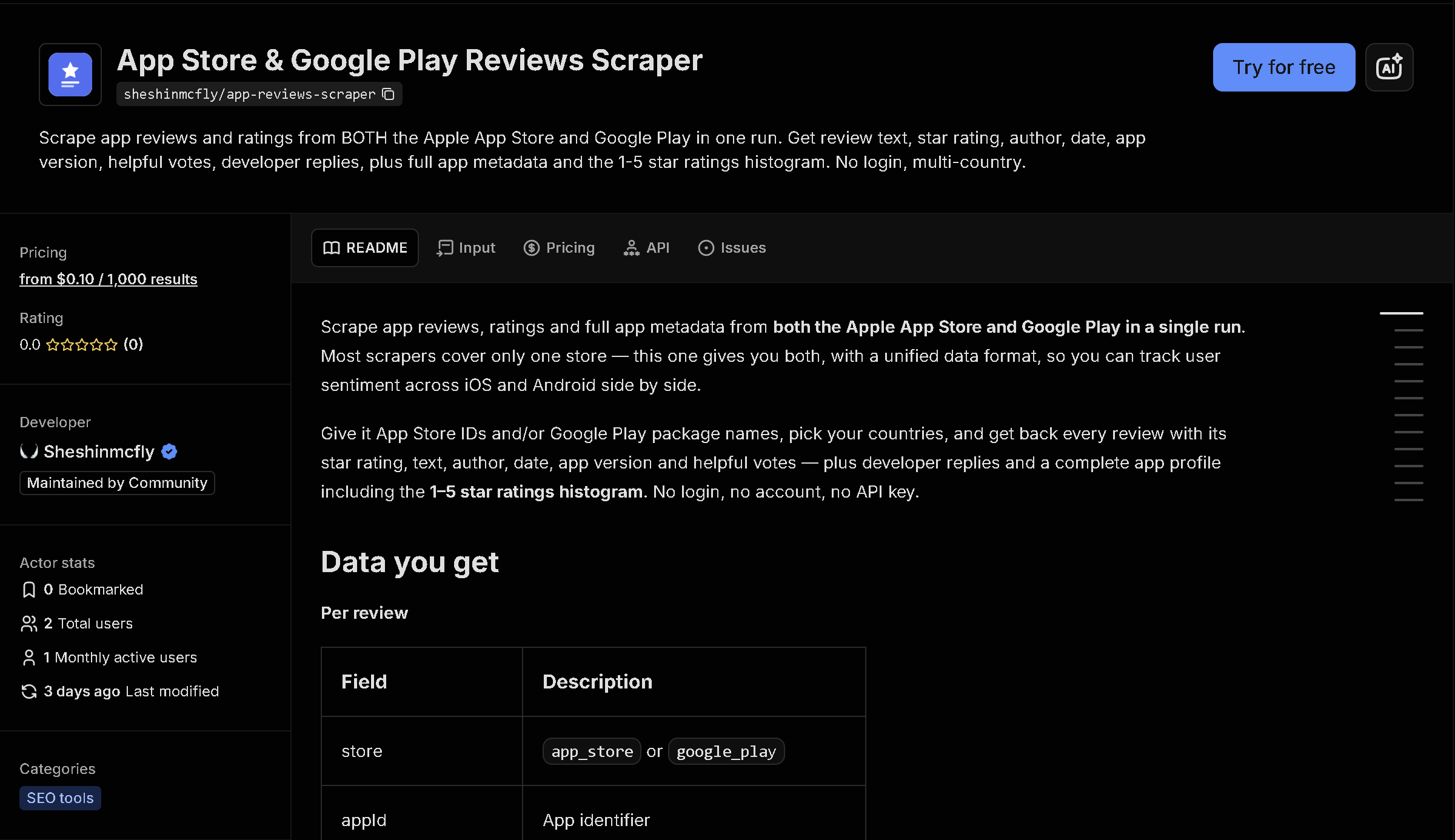
Apple and Google don't offer a way to bulk-download reviews for an app you don't own. This tool pulls reviews and app metadata from both the App Store and Google Play for any app, across as many countries as you need, with rating, review text, app version, and helpfulness votes included.
In short: Reading through app reviews one at a time doesn't scale when you're tracking sentiment after a release or researching a competitor's app. This tool automates it — you get structured, ready-to-use data instead of copying it by hand.
What the data shows: In this sample of 10 Instagram reviews across both stores, the average rating was 1.5 out of 5 — the kind of release-by-release sentiment signal that's easy to track with structured data but tedious to gauge by reading reviews one at a time.
Sample data
| Rating | Store | Review | Reviewer | Helpful |
|---|---|---|---|---|
| ★☆☆☆☆ | Google Play | The new update is so buggy. Let's say I am going to post 5 p... | L.C. | 10208 |
| ★☆☆☆☆ | Google Play | if you send someone a link to a post now, it will have your ... | S.W. | 11332 |
| ★★☆☆☆ | Google Play | The video calling on this app is hardly worth using. Each ti... | J.R. | 12107 |
| ★☆☆☆☆ | Google Play | Every time I start using Instagram again I remember why I do... | M.W. | 3928 |
| ★★★★☆ | Google Play | Instagram is a great app for watching funny videos and shari... | Q.A. | 2 |
| ★☆☆☆☆ | Google Play | Since yesterday I am unable to open the app on my phone. If ... | J.D. | 1 |
| ★★☆☆☆ | Google Play | Used to be good, but lost itself somewhere. Hides the profil... | R.M. | 2 |
| ★☆☆☆☆ | Google Play | At a time Insta was my fav app but it's giving me many issue... | H.B. | 0 |
| ★☆☆☆☆ | Google Play | For the past week, I've received notifications that I have m... | D.E. | 10 |
| ★☆☆☆☆ | Google Play | I haven't been able to open my settings for nearly a month! ... | E.A. | 46 |
What each field means
| Field | Description |
|---|---|
rating, title, text | Star rating and the review content |
appVersion | App version the review was left for |
thumbsUp | How many users found the review helpful (Google Play) |
developerReplyText, developerReplyDate | The developer's public reply, if any |
date, language, country | When the review was posted, its language, and the storefront country |
App metadata (optional) | Per-app summary: average rating, total ratings, category, developer, current version, description, and more |
How to use it
- Open the tool on Apify (link below).
- Fill in the search form — no code required.
- Run it and wait for it to finish (usually seconds).
- Download your results as JSON, CSV, or Excel.
Frequently asked questions
Do I need to know how to code?
No. You enter an App Store ID and/or Google Play package name and download the results as JSON, CSV, or Excel.
Is this real-time data?
Yes, every run fetches current reviews directly from Apple and Google at the time you run it.
Can I filter by rating or date?
Yes, you can filter by minimum/maximum star rating, keywords, and how recent the review is.