How to Check US Trucking Carrier Safety Records (DOT Authority, Crashes, Risk Flags)
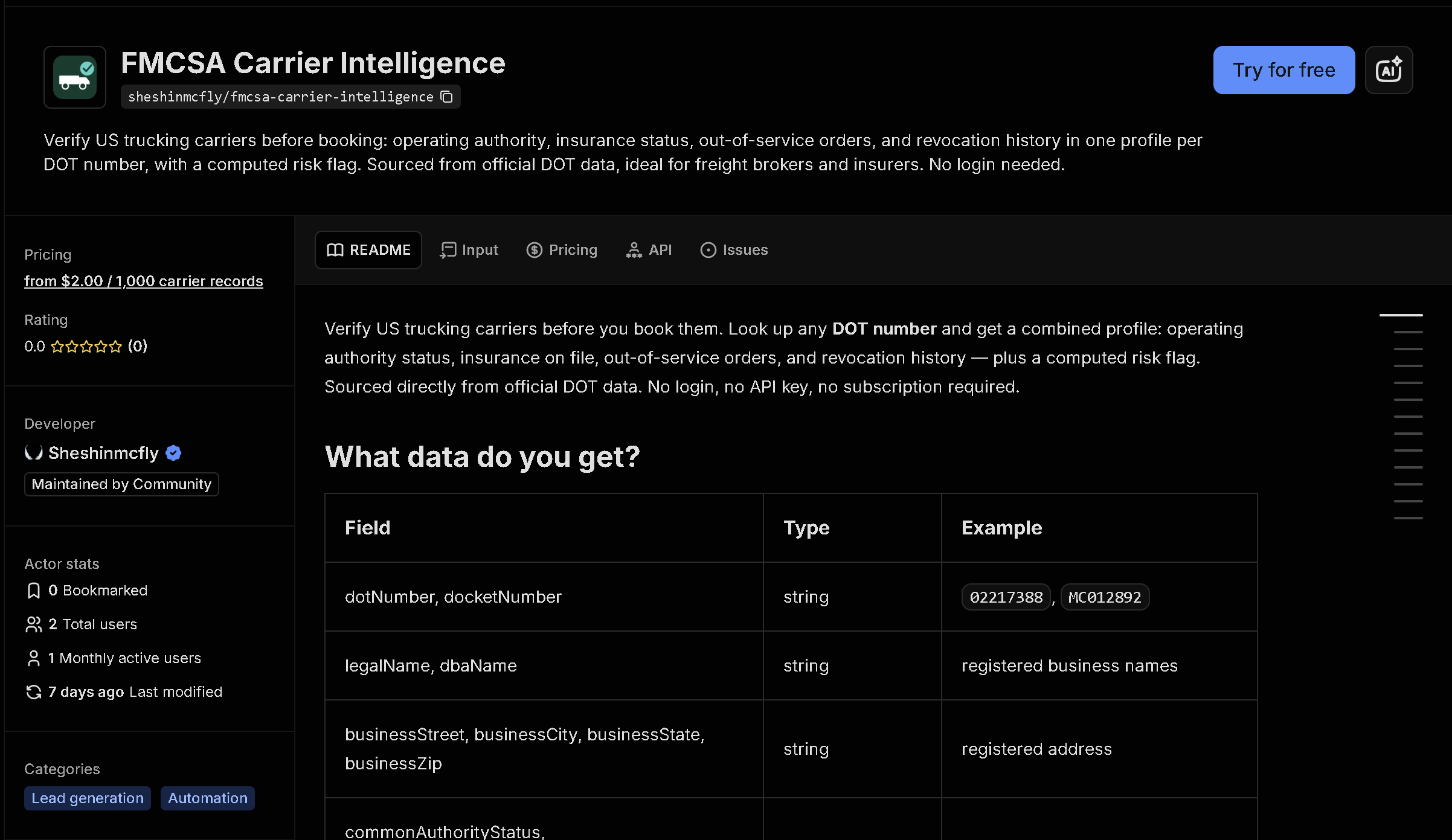
The official FMCSA SAFER system only lets you look up one carrier at a time, with no bulk export. This tool checks a list of US DOT numbers against FMCSA's open data and returns operating authority status, out-of-service and revocation history, crash statistics, fleet size, and an automated risk assessment for each carrier.
In short: Manually checking safety records one DOT number at a time doesn't scale when vetting multiple carriers for a shipment or building a vendor list. This tool automates it — you get structured, ready-to-use data instead of copying it by hand.
What the data shows: In this sample of 5 major US carriers, all 5 carry a crash history flag and 1 has a past authority revocation on record — the kind of red flag that's buried in individual FMCSA pages but obvious once the data is structured and compared side by side.
Sample data
| Carrier | DOT # | Authority | Fleet Size | Risk |
|---|---|---|---|---|
| FEDEX GROUND PACKAGE SYSTEM | 265752 | Inactive | — | HIGH |
| SCHNEIDER NATIONAL CARRIERS | 264184 | Common, Contract, Broker (Active) | 9,866 | HIGH |
| WERNER ENTERPRISES | 53467 | Common, Contract, Broker (Active) | 9,851 | HIGH |
| J. B. HUNT TRANSPORT | 80806 | Inactive | 25,280 | HIGH |
| OLD DOMINION FREIGHT LINE | 90849 | Common, Contract, Broker (Active) | 10,974 | HIGH |
What each field means
| Field | Description |
|---|---|
legalName, dbaName, dotNumber, docketNumber | Carrier identification |
commonAuthorityStatus, contractAuthorityStatus, brokerAuthorityStatus | Active/inactive status for each type of operating authority |
outOfService, oosDate, oosReason | Current out-of-service status, if any |
hasRevocationHistory, revocationType, revocationEffectiveDate | Past authority revocations on record |
crashCount, crashFatalities, crashInjuries, mostRecentCrashDate | Crash history statistics |
fleetSize, driverCount, recentMileage | Fleet size, driver count, and reported annual mileage from the census file |
riskFlags, riskLevel | Automated flags (e.g. fatal crash history, no insurance on file) and an overall risk level |
phone, email, businessStreet/City/State/Zip | Business contact and address on file |
How to use it
- Open the tool on Apify (link below).
- Fill in the search form — no code required.
- Run it and wait for it to finish (usually seconds).
- Download your results as JSON, CSV, or Excel.
Frequently asked questions
Do I need to know how to code?
No. You enter a list of US DOT numbers and download the results as JSON, CSV, or Excel.
Is this real-time data?
Yes, every run fetches current records directly from FMCSA's open data at the time you run it.
What does the risk level mean?
It's an automated summary based on flags like fatal crash history, missing insurance filings, or authority revocations — not an official FMCSA rating.