How to Check US Trademark Status in Bulk (Live, Abandoned, Registered)
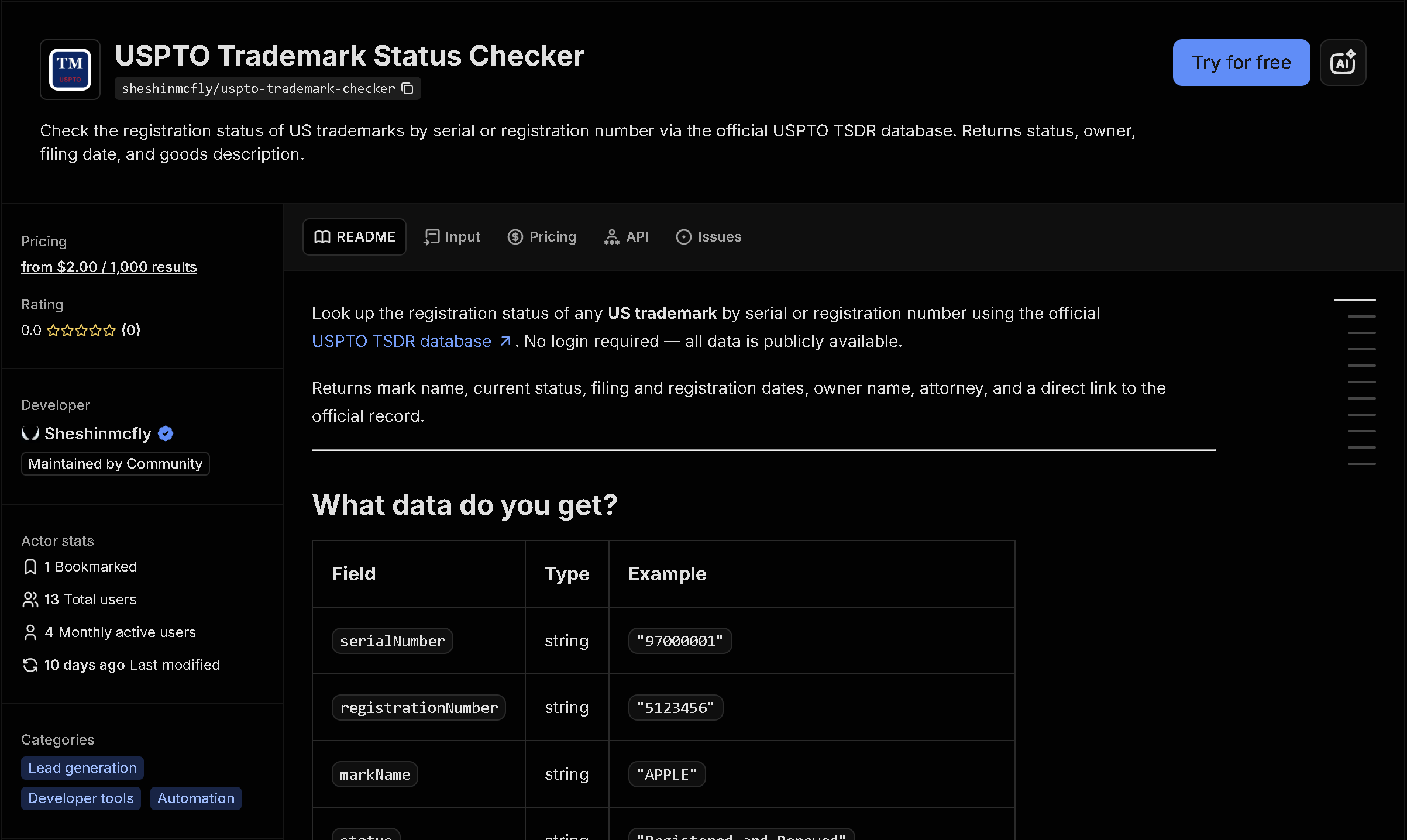
The USPTO's trademark database only lets you check one serial or registration number at a time, with no bulk lookup. This tool checks a list of trademark numbers and returns full status details for each — whether it's live or dead, the owner, filing and registration dates, and the goods or services it covers.
In short: Checking trademark status one number at a time doesn't scale when you need to audit a portfolio or verify multiple marks for a filing. This tool automates it — you get structured, ready-to-use data instead of copying it by hand.
What the data shows: In this sample of 8 trademarks, 4 are live (one of them kept alive by renewal rather than an original registration) while 4 were abandoned or cancelled — the kind of portfolio-wide status check that takes one USPTO lookup per mark to do by hand.
Sample data
| Serial # | Mark | Status | Owner | Class |
|---|---|---|---|---|
| 98123456 | BUADUEIR | Live — Registered | Putian Kaizhitian Trade Co.... | 024 |
| 97654321 | WORK ON LOVE | Live — Registered | THE LOVE EQUATION LLC | 041 |
| 97112233 | ZENSPIRATIONS | Live — Registered | Fink, Joanne | 009, 016 |
| 86123456 | MAIN CONCEPT | Live — Registration renewed | MAINCONCEPT GMBH | 009, 042 |
| 97000001 | RICHIDEA | Dead — Abandoned | RICH IDEA E-COMMERCE LIMITED | 028 |
| 79123456 | ORKIDE | Dead — Registration cancelled | ORKIDE TEKSTIL SANAYI VE TI... | 025 |
| 88888888 | SEEK BEAUTY | Dead — Abandoned | 1000 South Michigan Equities | 036, 039 |
| 90555111 | DERMTECH SMART STICKER | Dead — Abandoned | DermTech, Inc. | 010 |
What each field means
| Field | Description |
|---|---|
serialNumber, registrationNumber | USPTO application serial number and registration number (once granted) |
markName, markDescription, markLiteralElements | The trademark itself and its official description |
status, isLive | Current status text and whether the mark is currently live/active |
filingDate, publicationDate, registrationDate, renewalDueDate | Key dates in the trademark's lifecycle |
owner, ownerAddress, legalEntityType | Registered owner of the mark and their business type |
goodsAndServices, internationalClass | What the trademark covers and its USPTO classification |
attorney, correspondentEmail | Attorney of record and correspondence contact, when on file |
How to use it
- Open the tool on Apify (link below).
- Fill in the search form — no code required.
- Run it and wait for it to finish (usually seconds).
- Download your results as JSON, CSV, or Excel.
Frequently asked questions
Do I need to know how to code?
No. You enter a list of serial or registration numbers and download the results as JSON, CSV, or Excel.
Is this real-time data?
Yes, every run fetches the current status directly from the USPTO at the time you run it.
Can I check by registration number instead of serial number?
Yes, there is a toggle to search by registration number rather than serial number.